
Ragnarok Zero Commands: /navi, /where, and the Slash List That Works on Official
Chat command list for Ragnarok Zero: Global and what each one does: /navi to reach a map, /where, /noctrl, /effect, and hotkeys. Every command has a copy button and a source.
Come back to Ragnarok after years on a private server and the first thing you type is @warp. Nothing happens. Ragnarok Zero: Global is official, so the commands are the client's slash (
/) commands. The newsroom collected the ones that work, split what is confirmed from what is inherited from classic, and put a copy button on each one.
How does /navi work in Ragnarok Zero?
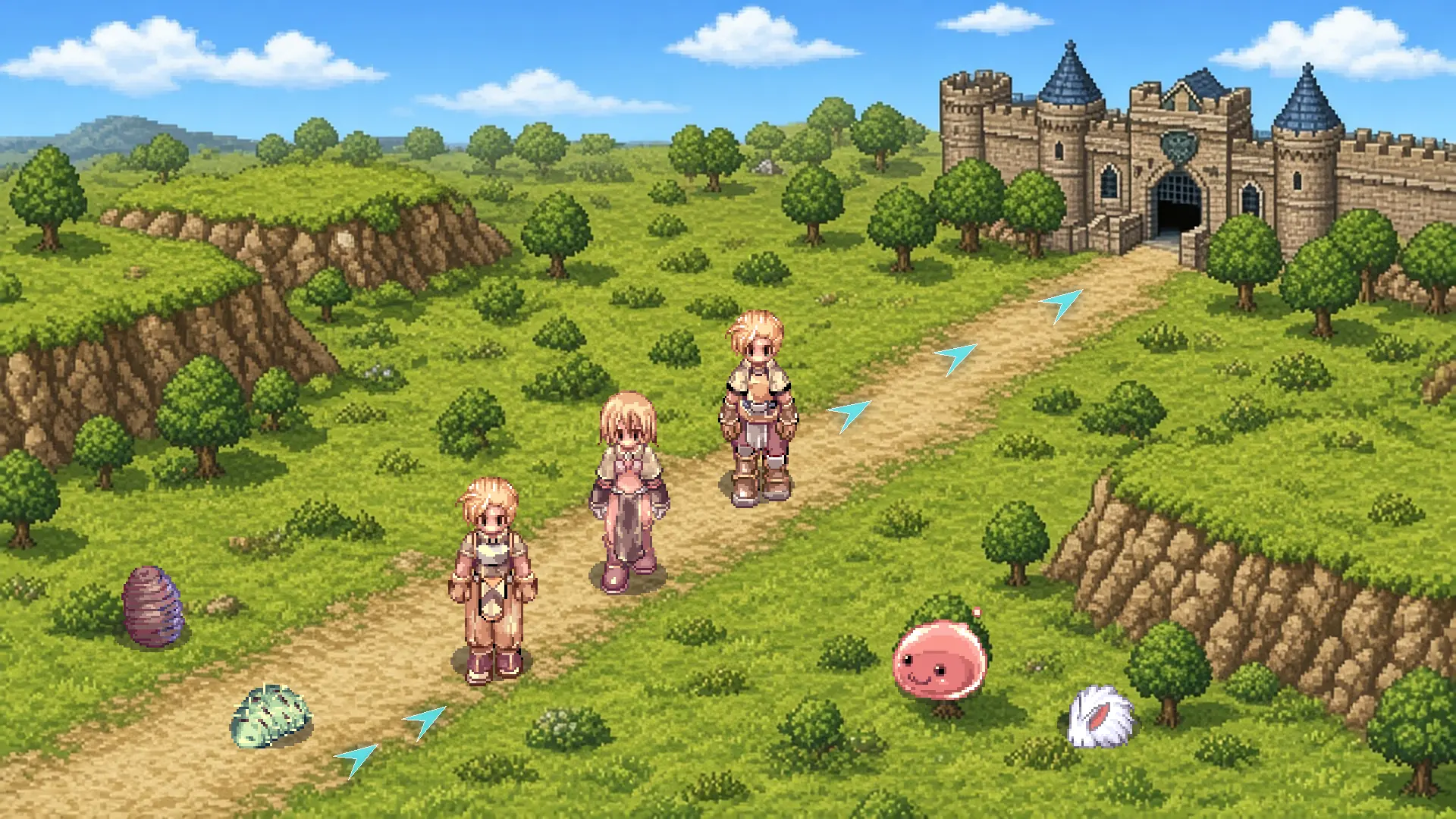
/navi takes the map code and an x/y coordinate. Paste it in chat, hit Enter, and the client draws arrows on the ground to the destination, through the portals along the way. The navigation window also lets you pay with items and teleport straight to the chosen map, according to the Global beginner guide.
Three examples you will use in the first week:

Always use the Global client code. Some maps changed codes in Zero: Orc Village, home of the Orc Warrior and the
Orc Lady, is
b_gef_f10, and Ant Hell 2F is b_an_d02. The full leveling route with /navi on every map already uses the right codes.
Which command shows where I am?
The command is /where. It writes the map name and your current coordinates in chat, which helps when you need to call the party or note a farming spot. The official Korean Zero list has the same command with Korean aliases, and the official classic RO list uses the English name.
/where
To send someone to you, copy the /where reply and build /navi with the same map and the same coordinates.
Which commands make combat more comfortable?
The ones people use most are /noctrl, which keeps attacking without holding Ctrl, /snap, which aims at the nearest monster on its own, and /quickspell, which casts the F9 skill with the right mouse button. All of them are on the official Korean Zero list, and /set1 turns a ready-made package on at once.
| Command | What it does |
|---|---|
/noctrl | Continuous attack without holding Ctrl |
/noshift | Casts a support skill on a monster without Shift, useful for |
/snap | Automatic aim on attack |
/skillsnap | Automatic aim on skills |
/quickspell | Right-click uses the F9 skill |
/monsterhp | Shows the monster's HP |
/set1 | /noctrl + /showname + /skillfail + /window |
A  Wizard who spams
Fire Bolt feels the /quickspell difference within the first hour.
Which commands help your PC run smoother?
On a crowded map, turn effects off with /effect, or keep only the essentials with /mineffect. The aura on high-level characters goes away with /aura2, and /fog removes the fog. These are commands from the official Zero list, and they go back to normal when you type the same command again.
/effect /mineffect /aura2 /fog /quake
What about party and chat commands?
To create a party, use /organize with the party name, and /leave to leave. Annoying whispers are handled with /ex and the character name; /exall blocks everyone and /inall opens it back up. Inviting with /invite is a classic RO command and does not appear on the Zero list, so use the character menu.
/organize /leave /exall /inall /notrade
What does not work on the official server?
No @ command works: @warp, @go, @autoloot, and @battlestats belong to private servers. /exp does not appear on any official list either. Auto Hunt, Auto Pot, and channels exist, but they are interface buttons, with no chat command. Kafra teleport still goes through the Kafra menu.
Bring a Fly Wing to get out of a surround and a
Butterfly Wing to return to your save point.
Sources and validation
Frequently Asked Questions (FAQ)
- 01.Does /navi work for an NPC inside a building?
- Yes, as long as you use the indoor map code, such as prt_in or payon_in03. Each map's page on roz.prontera.info lists the /navi for the NPCs.
- 02.Is there a way to toggle the commands without typing?
- Yes. The Alt+Y hotkey opens the command window, where you can turn several of them on and off with a click, according to the official Zero list.
- 03.Do these commands work on Ragnarok Zero: Americas?
- The client is the same as Zero, so the expectation is yes. Americas has not opened yet; the newsroom will check when the server launches.